Every few weeks a new model tops a leaderboard, and the same question follows: should you switch? My honest answer is almost always that it depends on what you’re doing with it, and that the newest model is rarely the place to start.
There’s no single best AI model. There’s a best model for your task, your budget, and your constraints. This guide is the framework I’d use to choose, plus a quick test you can run before you commit money or code to any one provider.
Where things stand this fall
The fall of 2026 brought a new generation from each of the biggest labs, all within about a month of each other.
- Anthropic released Claude Opus 5.5 on September 22 and Claude Sonnet 5.5 on September 28. Anthropic says Opus 5.5 performs at the level of its Claude Fable 5.1 on most work at 40% lower cost than Opus 5, and that Sonnet 5.5 is more than 30% faster than Sonnet 5.
- Google announced Gemini 4 Argon on September 30, initially for a group of cybersecurity defenders, then made it available to developers and enterprises worldwide through its API on October 13, along with paid Gemini app subscribers.
- OpenAI launched GPT-6 Astra in early September and the smaller GPT-6 Sol and Luna on September 22. On October 7 it said the new models were coming to ChatGPT users on both free and paid plans.
Open-weight families such as DeepSeek and Qwen also shipped new versions over the summer and fall. For more on what changed, see our roundup of the fall 2026 model releases and our look at this year’s open-weight models.
By the time you read this, some of those names will have changed. The questions below won’t, which is why they’re a better starting point than any list of winners.
Start with the job, not the leaderboard
Before comparing models, write down what you actually need one to do. Most real use falls into a handful of buckets:
- Writing and editing: drafts, rewrites, summaries, translation.
- Analysis and research: reading long documents, comparing sources, answering questions about data.
- Coding: writing, explaining, reviewing, and fixing code.
- Extraction and classification: pulling fields out of documents, tagging tickets, routing messages.
- Conversation: customer-facing chat, where tone, safety, and consistency matter more than raw brilliance.
- Agents: multi-step tasks where the model uses tools on its own. Our explainer on what an AI agent is covers how these differ.
This step sounds obvious, and it’s the one most people skip. A model that’s brilliant at hard reasoning can be overkill, and overpriced, for tagging support tickets. A small, fast model that’s perfect for tagging can fall apart on a 60-page contract.
Six questions that decide it
1. How hard is the task, really?
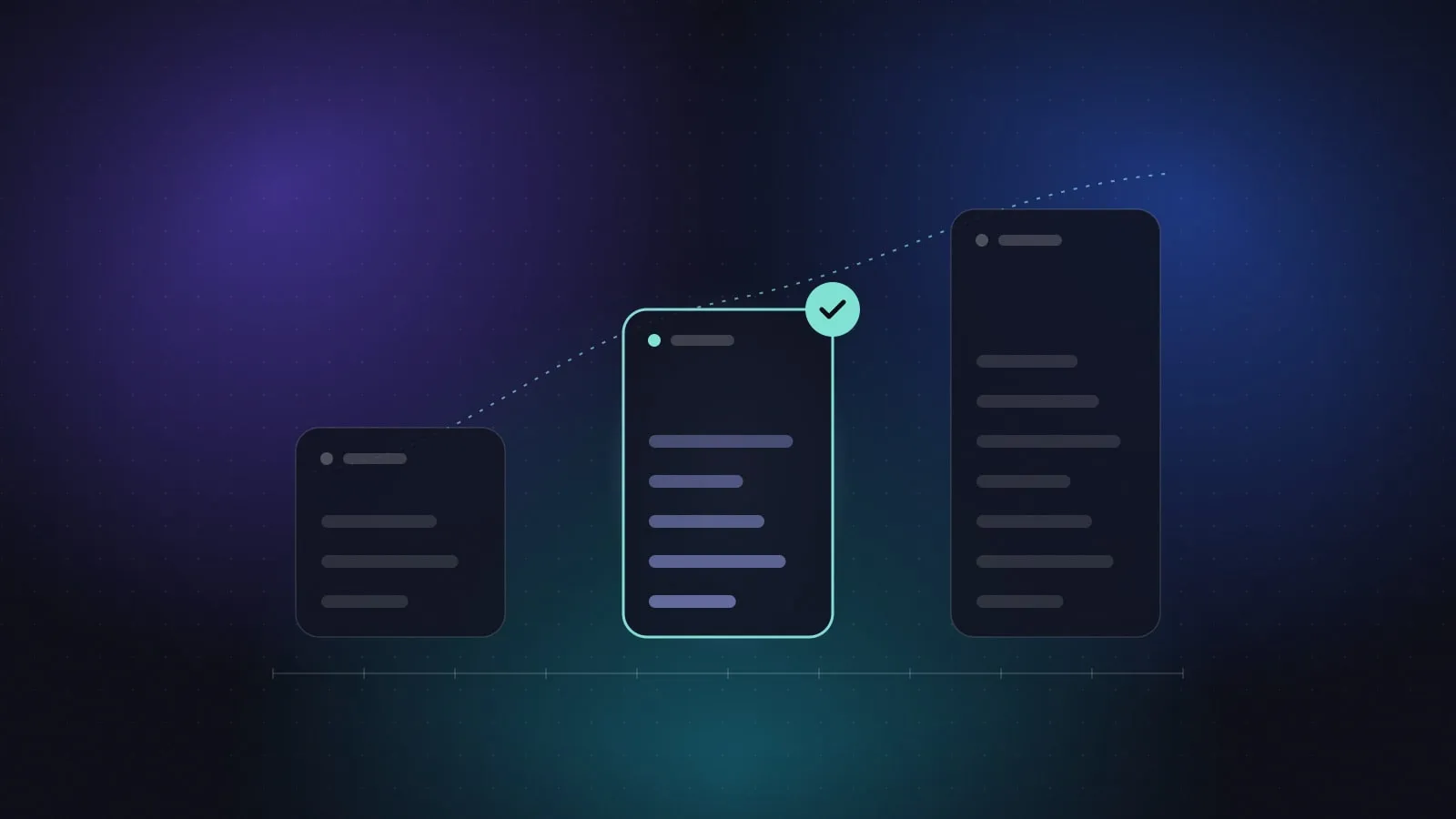
Most model families now come in tiers: a large flagship, a mid-sized workhorse, and a small, fast model.
| Tier | Good for | Trade-off |
|---|---|---|
| Flagship | Complex reasoning, difficult code, long agent tasks, high-stakes analysis | Highest cost, usually the slowest |
| Mid-tier | Most writing, research, coding, and everyday business work | Occasionally misses subtle or multi-step problems |
| Small | High-volume classification, extraction, autocomplete, simple chat | Weaker on nuance, long documents, and reasoning |
My default is to start in the middle and move up only when I can point to specific failures that the bigger model actually fixes. “It feels smarter” isn’t a reason to pay several times more.
2. How much will you run it?
If you use a chat app, the subscription is your cost and this question barely matters. If you’re building with an API, cost scales with usage, measured in tokens. Output tokens usually cost several times more than input tokens, so tasks that write a lot cost more than tasks that read a lot. If you send the same long instructions over and over, look for prompt caching. If you don’t need answers instantly, look for batch pricing.
Prices also change, sometimes on a schedule. Google launched Gemini 4 Argon at an introductory API rate of $2 per million input tokens and $10 per million output tokens through November 30, 2026. After that, Google says the standard price is $4 and $20. If you’re budgeting for next year, budget on the second number.
3. How fast does it need to be?
A customer waiting in a chat window notices every second. A report that runs overnight doesn’t. Speed has two parts: how long before the first words appear, and how quickly the rest arrives. Flagship models and “thinking” modes are often noticeably slower, and for anything interactive, that matters more than a few benchmark points.
4. How much does it need to read at once?
The context window limits how much text the model can consider in one go: your instructions, the conversation, and any documents. Many current models accept very long inputs. But a big window isn’t the same as reliably using everything inside it. If your work depends on a detail buried on page 47, test exactly that.
5. Where is your data allowed to go?
This question rules out options faster than any other, so ask it early.
- Can the provider keep or train on what you send, under the plan you’re actually using?
- Does your data need to stay in a particular country or region?
- Do contracts or regulations require specific certifications?
- Does the model need to run on your own infrastructure?
If data can’t leave your environment, open-weight models you host yourself may be the only fit. Our guide on using AI at work without leaking sensitive data goes into what to check.
6. What does it need to plug into?
A model rarely works alone. Check that it supports what you need: tool use, structured output, images or audio, file handling, and the cloud platform your company already runs on. The big models are now available through several clouds, but features don’t always arrive everywhere on the same day.
Open-weight or closed?
Closed models are used through a provider’s app or API. Open-weight models publish their weights so you can download and run them yourself.
Closed models usually lead on the hardest tasks and need no infrastructure from you. You trade control for convenience.
Open-weight models give you control over your data, predictable costs at high volume, and room to customize. In exchange, you take on hosting, updates, and safety measures yourself. Read the license, too. “Open” covers everything from very permissive to quite restrictive.
For a lot of teams the realistic answer is both: a closed model for difficult, lower-volume work, and an open-weight model for high-volume, sensitive, or cost-critical jobs.
Treat benchmarks as a shortlist, not a verdict
Benchmarks are useful for narrowing the field, with a few caveats.
Scores published by a model’s maker are chosen by that maker. Treat them as claims until someone else reproduces them, the same way you’d fact-check any AI answer before relying on it.
Independent trackers help. Artificial Analysis measures intelligence, speed, and price across models and providers. Arena, formerly LMArena, ranks models based on people’s votes in blind side-by-side comparisons. Both are worth a look. Neither knows anything about your task.
And popular benchmarks wear out. When every top model scores in the high 90s on a test, the differences stop telling you much.
The most reliable benchmark is your own work.
Run your own 30-minute test
You don’t need an evaluation team to make a sound choice. You need real examples and a fair comparison.
- Collect 10 to 20 real examples of the task, including a few messy or difficult ones. Remove anything confidential first.
- Write down what a good answer looks like for each, before you see any output. A short checklist is enough: correct facts, right format, sensible length, nothing invented.
- Run two or three candidate models on the same examples with the same instructions.
- Compare blind if you can. Paste the outputs into a document without model names and score them against your checklist. You’ll be surprised how much brand names sway your judgment.
- Write down cost and time for each run.
- Read the failures, not just the averages. One confidently wrong answer in a sensitive context can matter more than a slightly better score overall.
If two models tie, pick the cheaper or faster one. If the expensive model wins only on the hardest cases, send just those cases to it.
If you just want a starting point
- For yourself: Use the default model in the assistant you already pay for. Switch to its flagship or “thinking” mode for genuinely hard problems, and ask a second provider when something important is on the line. Disagreement between two good models is a useful signal.
- For a small team: Standardize on one mid-tier model through an approved business plan, and escalate hard cases to a flagship.
- For builders: Use a small model for high-volume classification and extraction, a mid-tier model for most generation, and a flagship only where your own tests show it pays for itself.
Plan to choose again
Models get better and cheaper quickly, so treat this as a decision with an expiry date. In production, pin a specific model version so behavior doesn’t shift under you. Keep your test set, rerun it when a new version ships, and switch only when the new model wins on your own examples. I’d put a reminder in the calendar to do this once a quarter.
Sources
- Anthropic, Introducing Claude Opus 5.5, September 22, 2026, and Introducing Claude Sonnet 5.5, September 28, 2026
- Google, Gemini 4 Argon: our next era of frontier intelligence, September 30, 2026, and Gemini 4 Argon: Built to solve your hardest problems, October 13, 2026
- Google Cloud, Gemini 4 Argon available on Google Cloud, October 13, 2026
- TechCrunch, OpenAI launches GPT-6 Sol and Luna, September 22, 2026
- OpenAI, GPT-6 Sol and GPT-6 Luna: October 2026 update, October 7, 2026
- Artificial Analysis and Arena